Desktop CAD/CAM

Make some
chips.

Draw a shape. Give it a toolpath. See what your CNC router will carve before the bit touches the board.

v0.1.0 · Development preview
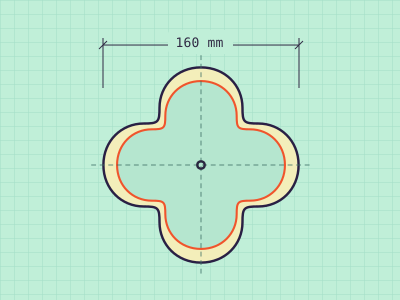
Clover tray view
Concept render of a four-lobed plywood tray with a bright orange rim, holding a blue ball and a yellow ball.Top view of the tray showing its 160 mm outer profile and inset pocket.
PROJECT STUDYClover tray
Get SVG

Pick your cut.

Open a toolpath to see how it shapes the wood.
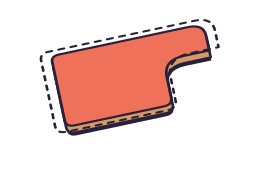
ProfileCut around an edge.

Follow a vector on the inside, outside, or centerline. Place tabs along a cutout to hold the part in the board.

PocketHollow out a shape.

Clear the inside of a closed vector to a set depth. Choose offset passes for nested contours or raster passes for back-and-forth cuts.
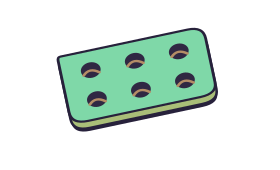
DrillPut holes in place.

Set hole centers with circles. Peck down with a drill or use a helical bore for a hole wider than the end mill.
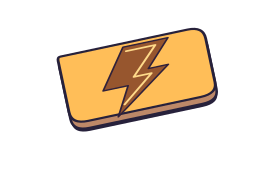
V-carveGive lines some depth.

A V-bit follows the width of lettering and detail. Narrow strokes stay shallow and wider strokes let the bit cut deeper.
Workspace tour

Inside Chipsy.

Follow a sign from its first outline to a checked G-code file in the desktop app.

FLAT-BOTTOM SIGN / DRAW

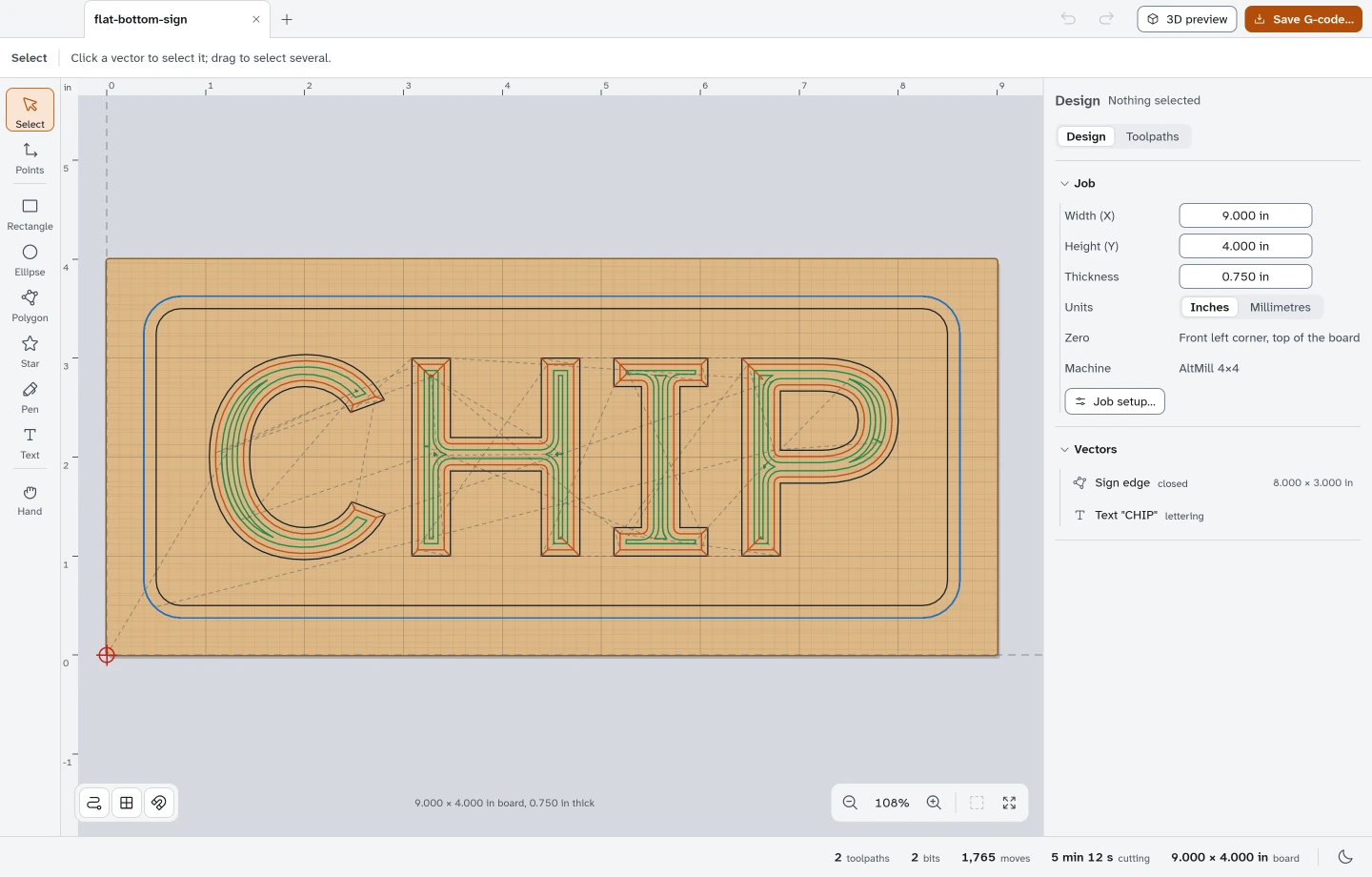
Set the sign on the board.

Start with the stock dimensions, draw a rounded outline, and place the lettering. Chipsy also imports SVG and DXF artwork.

View full-size screenshot
Vector board with the CHIP lettering inside a rounded sign outline.
FLAT-BOTTOM SIGN / PLAN

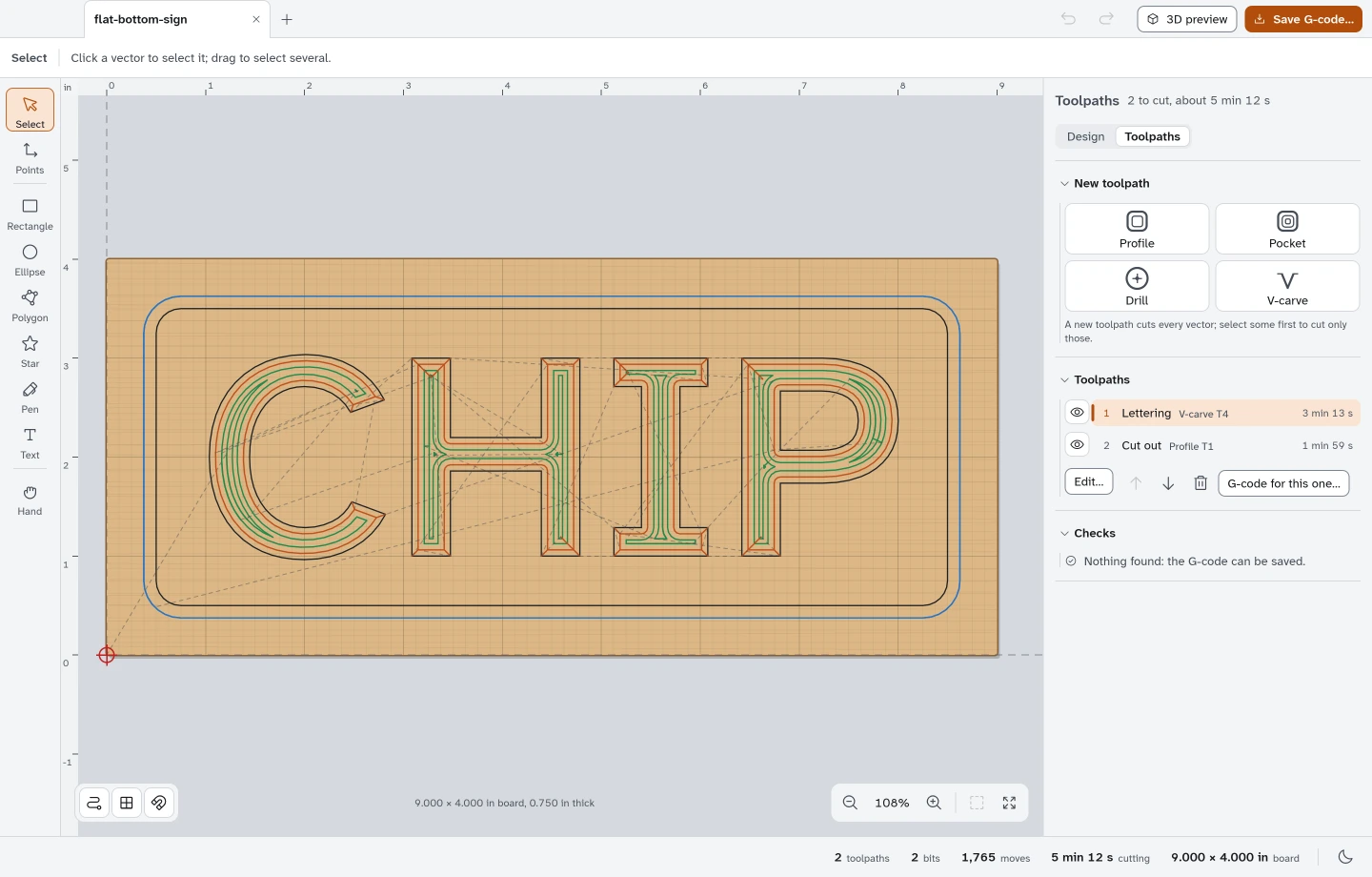
Give each cut a tool.

Use a V-carve for the lettering and a profile for the outside edge. The toolpath list keeps the bit and estimated time beside each operation.

View full-size screenshot
Toolpaths panel listing the lettering and cutout operations for the sign.
FLAT-BOTTOM SIGN / PREVIEW

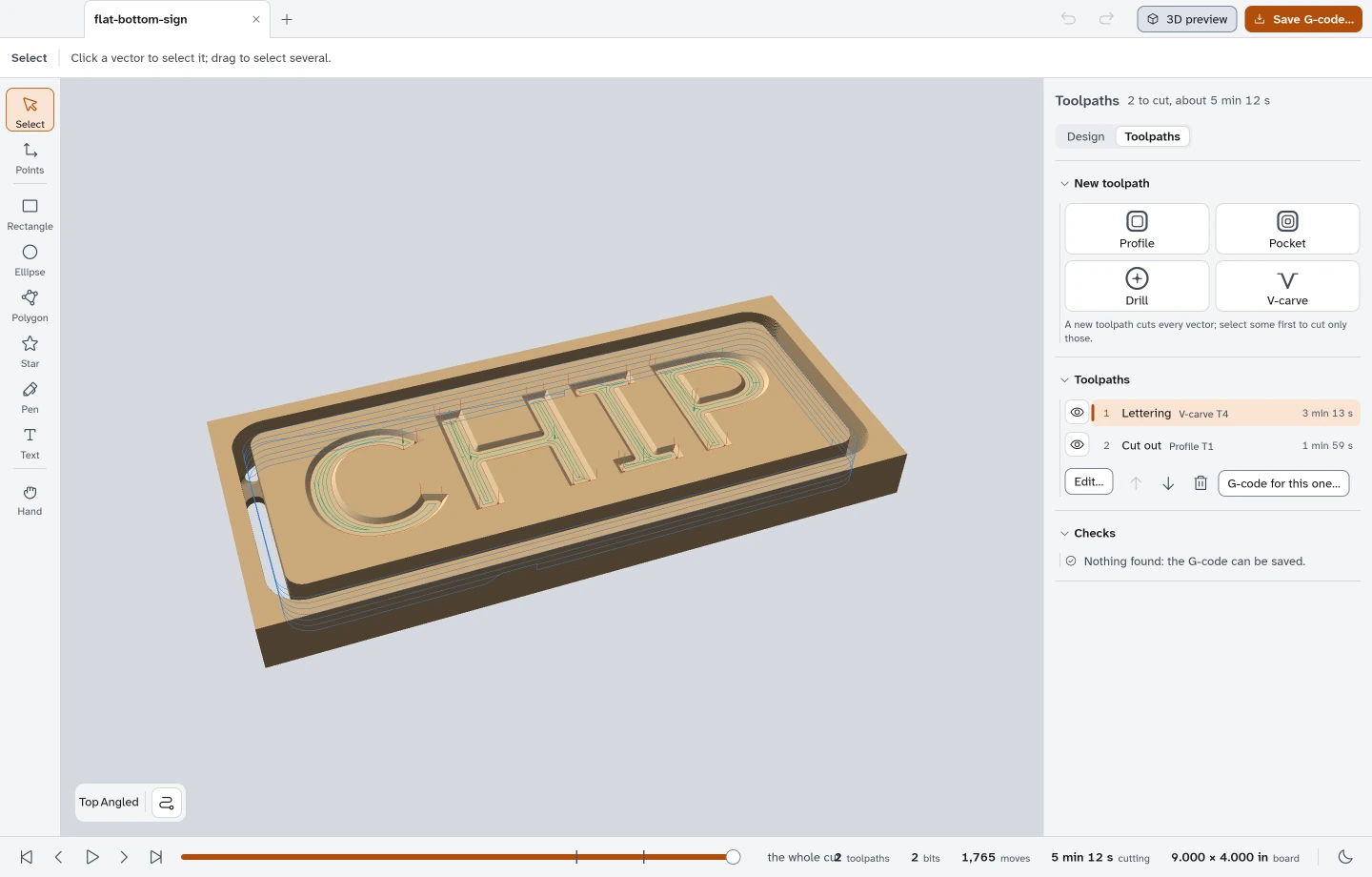
Look into the cut.

Orbit the simulated stock to inspect the lettering and edge. Scrub through the job to see how much material each pass removes.

View full-size screenshot
Angled 3D simulation of the carved CHIP sign in the Chipsy desktop app.
FLAT-BOTTOM SIGN / EXPORT

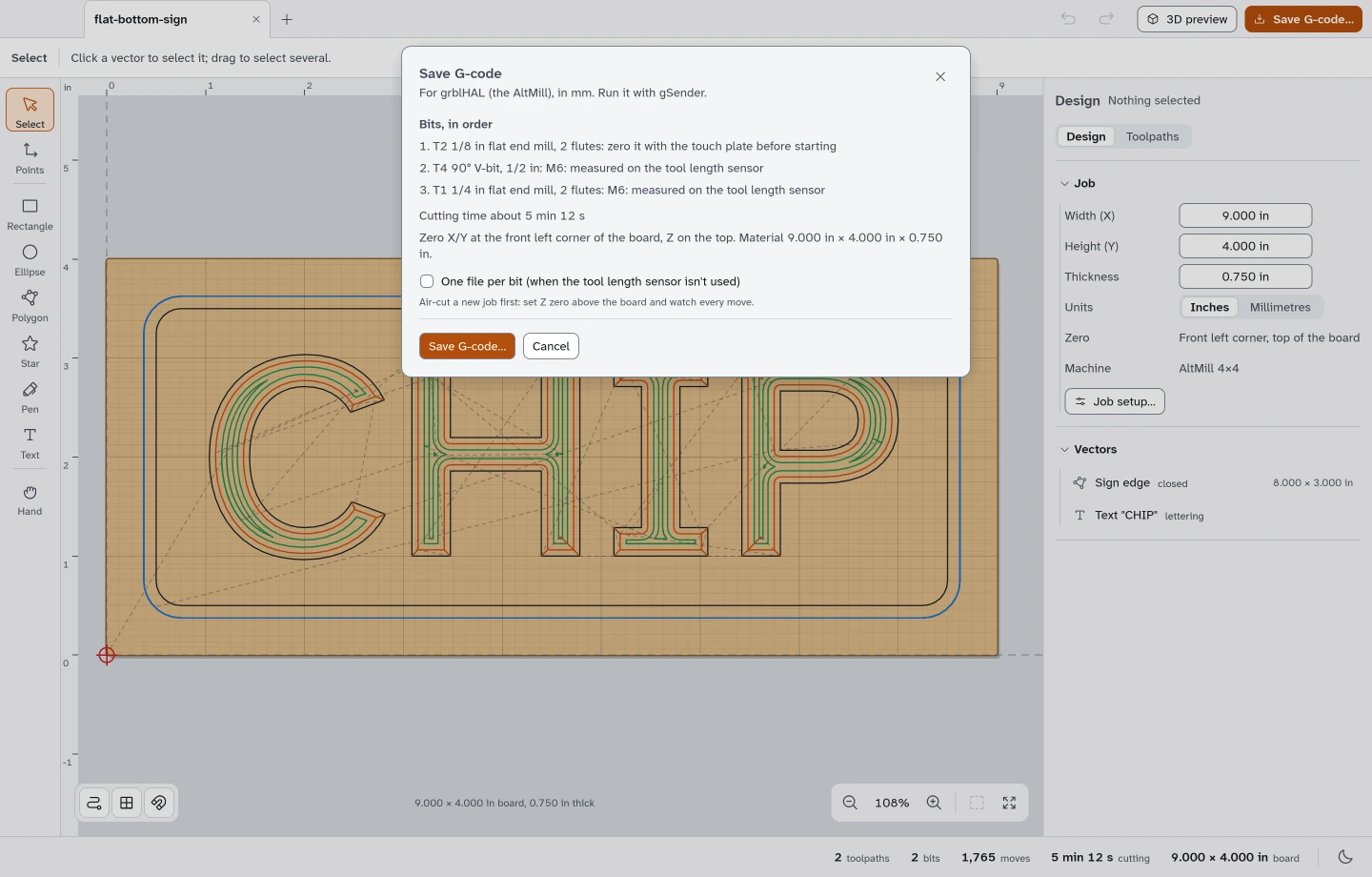
Check the file.

Review the tools and job checks, then export grblHAL G-code. Chipsy reads each file back independently before keeping it.

View full-size screenshot
Save G-code sheet showing checks and the tool-change order.

Development preview

What runs today.

Chipsy 0.1.0 targets grblHAL routers, starting with the Sienci AltMill. Run the exported file in gSender.

Read the field guide
macOS & Linux
Desktop builds tested
Windows
Compile check passed
Machine testing
Physical cut checks pending